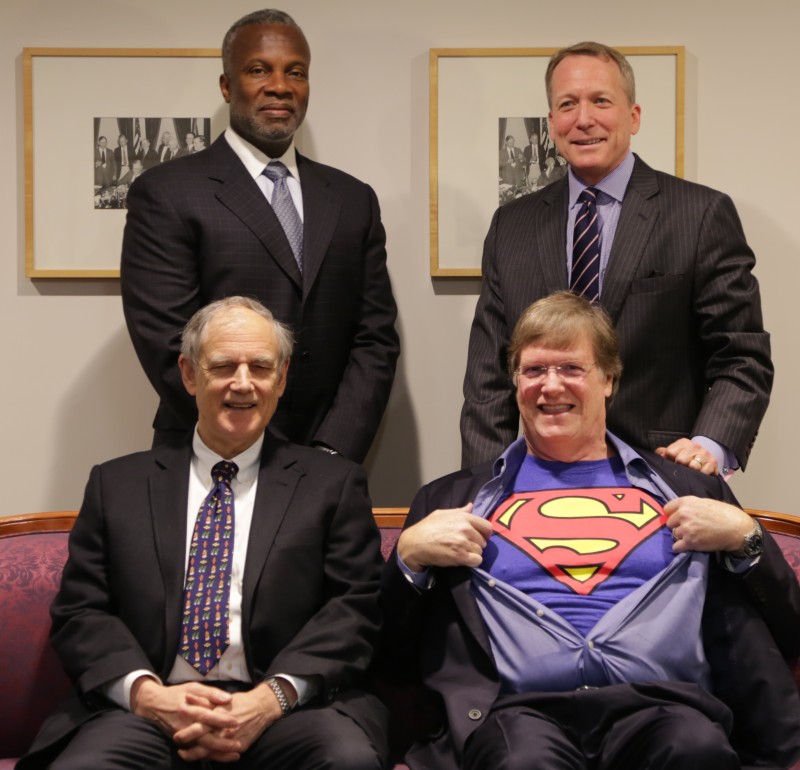
BCR Supermen 2016
BCR Supermen 2016

Panel a

BCR Supermen 2016

Blacksmith 12th Century

Panel aa

Pop up: Blacksmith 12th Century.

Free Speech Article AI Summary
Free Speech Article 2026 AI Summary

Panel ab

Free Speech 2026 Article AI Summary.

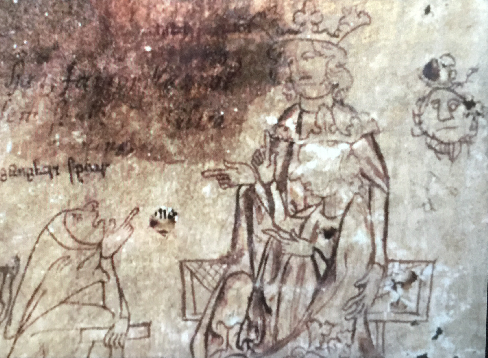
Medieval Drawing

Panel b

Medieval Drawing

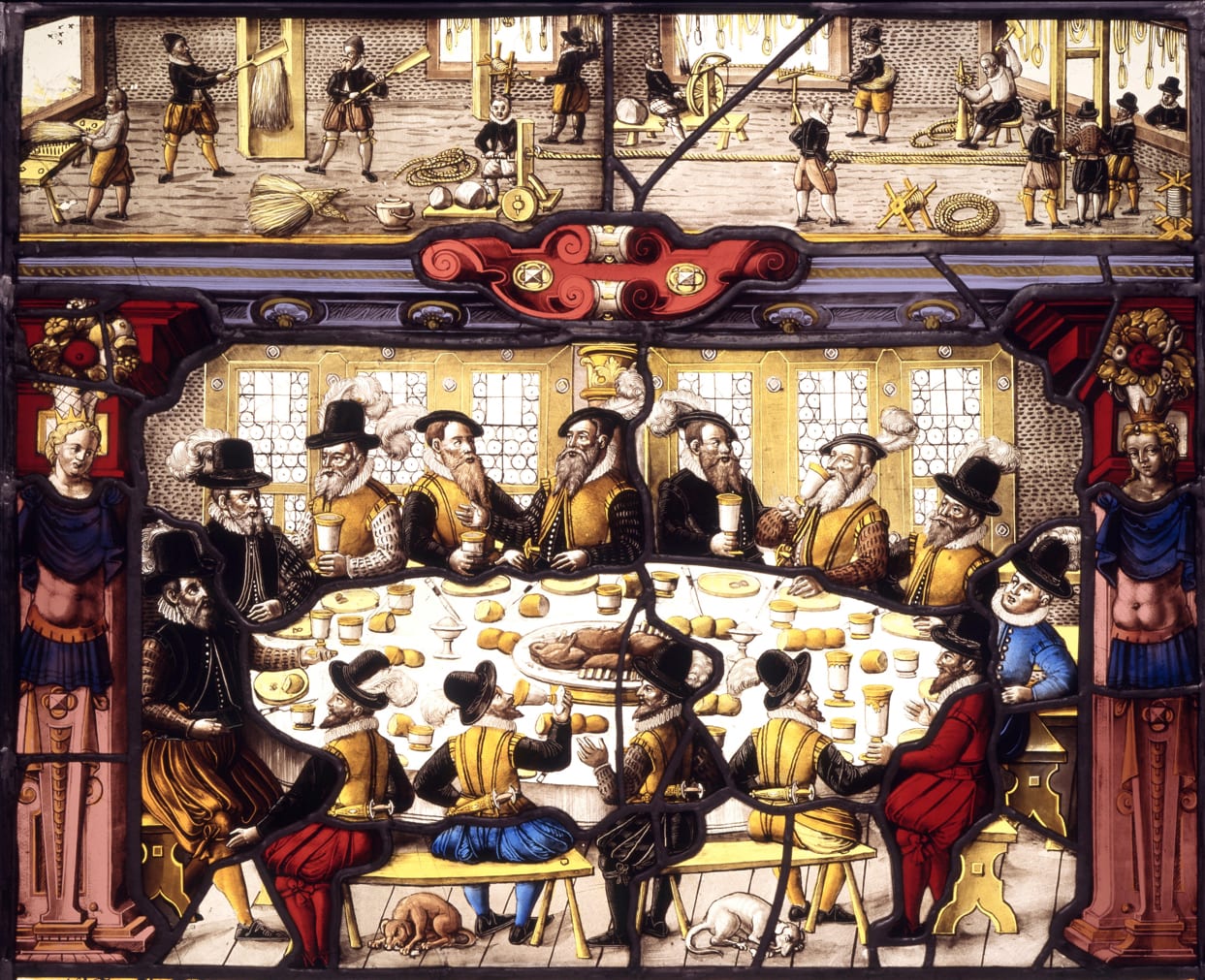
Stained glass Basel guildhall

Panel c

Stained glass Basel guildhall

Description of image

Panel d

Pop up: ernstLudgwigKirchner1914StreetScene.

Certainly! Translating a hand-drawn layout like this into clean CSS is a great starting point for building a website. This sketch has very clear dimensions and structure. Here is how I will translate your plan: Semantic HTML5: I'll use standard tags like < header >, < nav >,
, and < footer > to create a logical structure based on your labels. Modern CSS Layout: I will use CSS Flexbox and CSS Grid together. Flexbox is perfect for handling the Header and the LeftCol, while Grid is ideal for the CENTERCOL matrix. Specific Dimensions: I will apply the exact measurements you've requested (150px column, 100x100px thumbnails, and 400x400px panels). The 20% Margin Rule: The sketch is very precise about how the page should sit on the screen. The easiest way to handle the "20% margin right and left" while still allowing the header and footer to stretch is to create a main centered container that applies the width constraints inside the header and content areas. Here is the complete HTML and CSS code to recreate your design. 1. The HTML (index.html) This file builds the structural blueprint of your sketch. -->